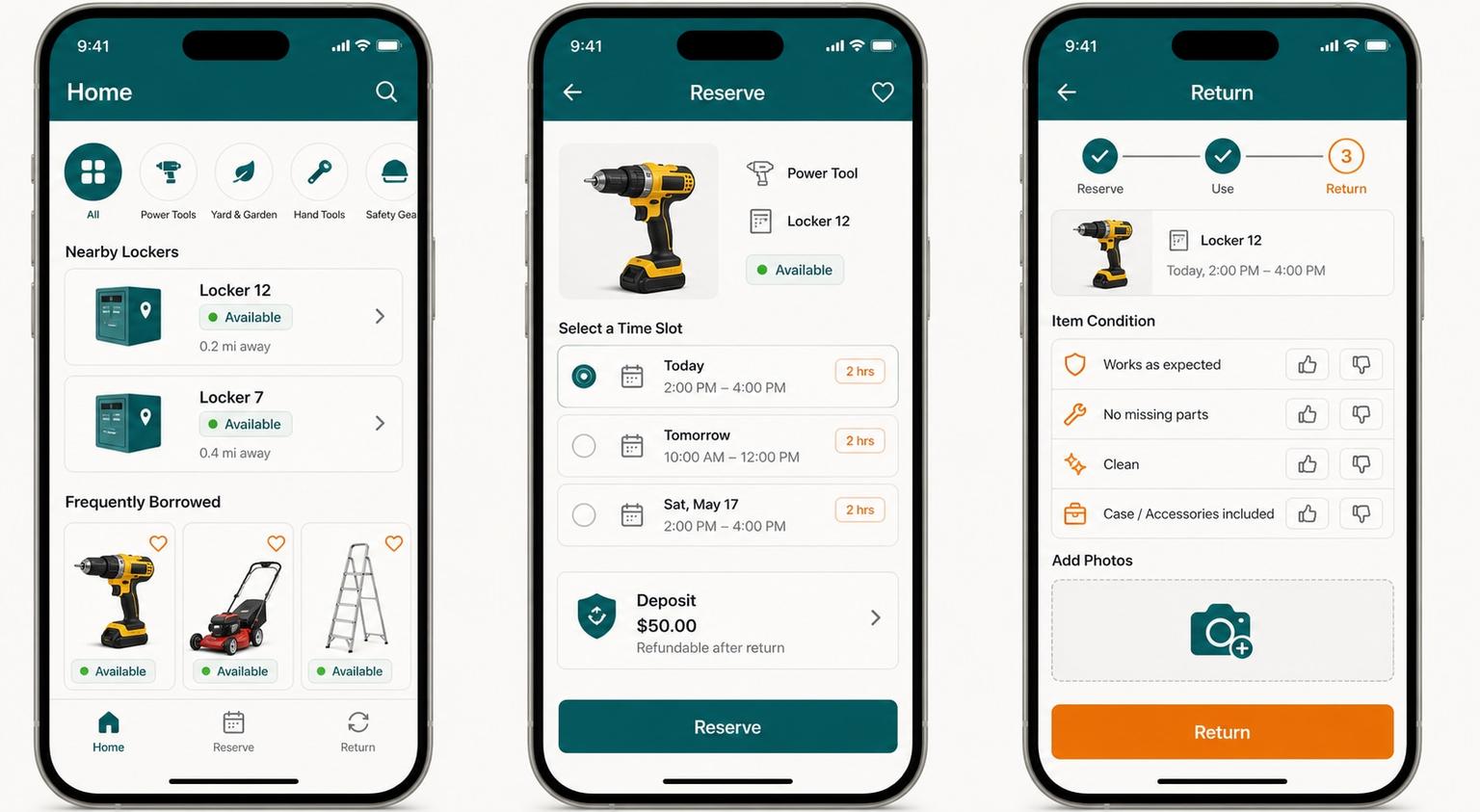
Community Tool Locker Management Mobile App UI Prompt
UIChatGPT-Image2Image|July 13, 202624MyPrompt 编辑部

Community Tool Locker Management Mobile App UI Prompt

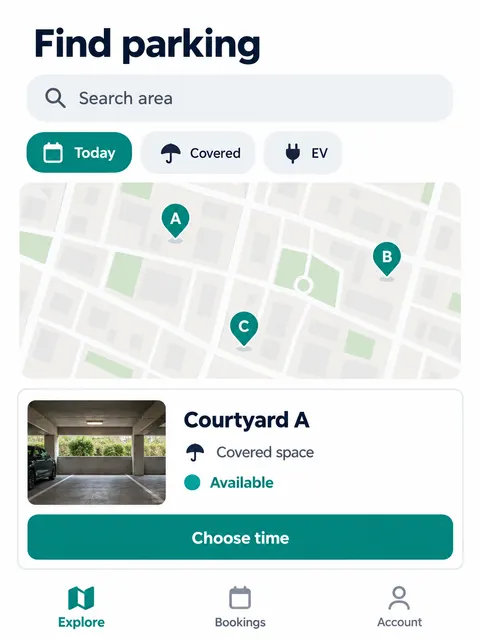
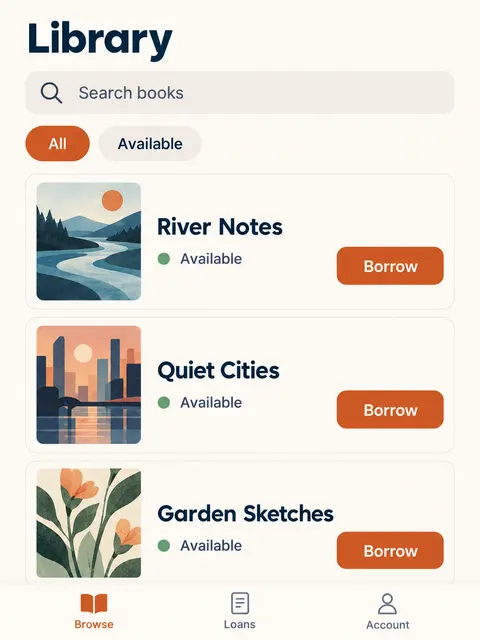
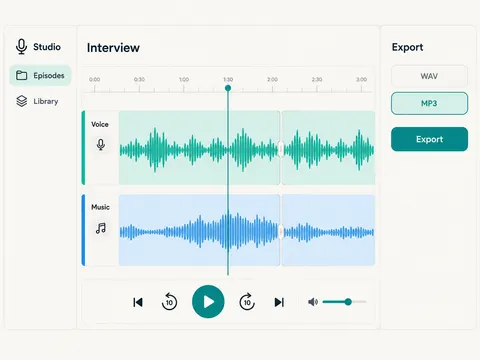
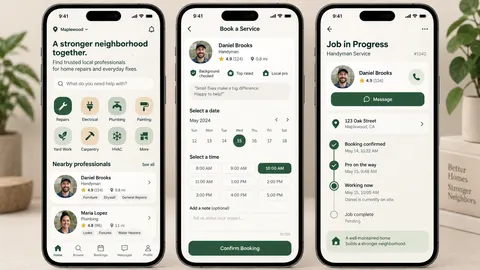
Design a high-fidelity mobile app interface for managing a community shared-tool locker. Present three complete phone screens side by side on a landscape product-design board: tool discovery home, reservation details, and return confirmation. Use a light theme, an eight-point spacing system, restrained card radius, deep teal as the primary color, warm orange for status accents, and an off-white background. The home screen includes category filters, nearby locker availability, and frequently borrowed tool cards. The detail screen prioritizes available time slots, locker number, deposit information, and one clear reservation action. The return screen uses a concise progress indicator, an item condition checklist, and a camera entry point. Use short, legible English labels including "Home", "Reserve", "Return", and "Available"; add only the necessary time, locker, category, and checklist labels needed to make the flow credible. Keep icon style consistent, contrast accessible, touch targets generous, and information hierarchy realistic enough for implementation. This should look like a shippable product interface, not neon concept art. No brand logo, no gibberish, no watermark, no overlapping cards, no tiny unreadable copy, and no impossible interactions.

Related Prompts